


Zycus Horizon SEA Edition 2026 · July 21-22, 2026 Register Now

Scroll

arrow

Integrate with your PROCUREMENT Systems For a Centralized, Strategic Financial Oversight

Strategic Budget Alignment

Strategic Budget Alignment

CheckCircle

Set and manage budgets at granular levels for accurate alignment with business goals

CheckCircle

Customizable to fit unique organizational structures and financial strategies

CheckCircle

Enhance strategic planning with precise budgeting tools

Budget Management 1

Intuitive Spend Oversight

Intuitive Spend Oversight

CheckCircle

Merlin Assist GenAI integration for real-time budget monitoring and alerts

CheckCircle

Proactive financial management to prevent overspending

CheckCircle

Interactive dashboards for an instant financial health overview

Budget Management

Seamless Budget Approval Orchestration

Seamless Budget Approval Orchestration

CheckCircle

Automate and integrate approval workflows to maintain spending within limits

CheckCircle

Configurable controls to streamline purchasing and expenditure

CheckCircle

Facilitate efficient transaction flow and approval processes

Budget Management

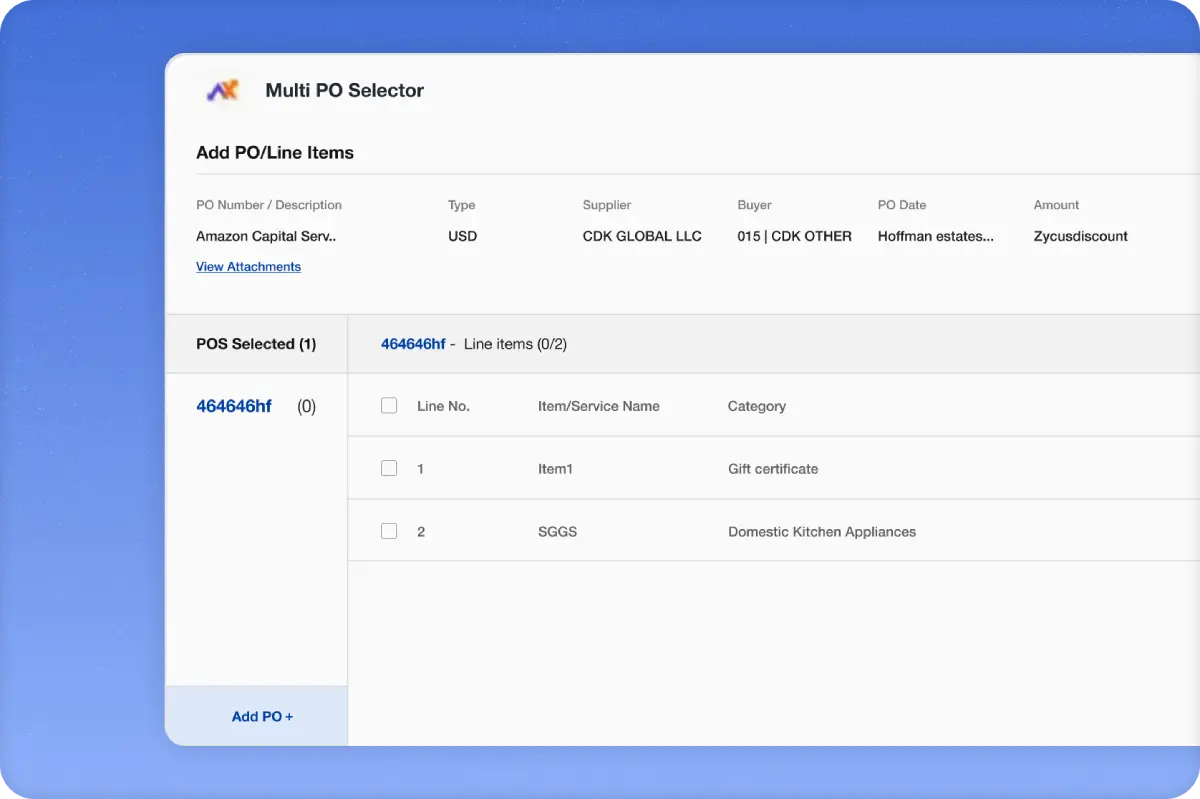
Automated Budget Creation

Automated Budget Creation

CheckCircle

Standard template of excel to add your budget

CheckCircle

Simply upload the excel sheet to SFTP / S3 folder and all budgets are created automatically

CheckCircle

Budgets tracking along with budget lines
Budget Management

Advanced Analytics for Continuous Improvement

CheckCircle

Leverage AI-powered dashboards to uncover inefficiencies and identify opportunities for cost savings across the invoicing lifecycle

CheckCircle

Use GenAI-driven recommendations for ongoing optimization, driving sustained improvements in invoicing processes

CheckCircle

Forecast cash positions with advanced analytics, enhancing financial planning and strategic decision-making
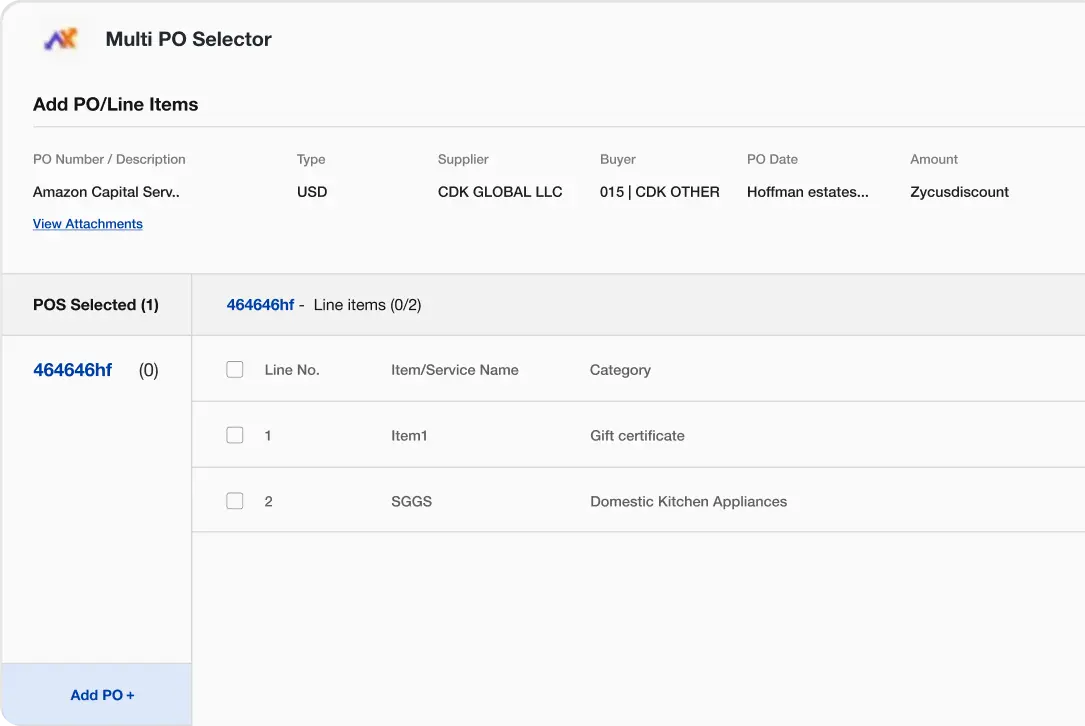

Multi Way Matching for Reconciliation

Key Metrics That Define AI Powered Supplier Management Success

Cost Savings
Faster Risk Resolution
Better Supplier Relations

Budget Management Platform Advantages

Enhanced Financial Control

Gain a centralized view of your budgets and ensure spending stays aligned with your strategic goals

Seamless Integration

Seamlessly integrates with Zycus Source to Pay, and even multiple underlying ERP systems in your company

Reduced Risk

Mitigate the risk of overspending and ensure compliance with company policies

Hear From Our Customers

What sets us ahead

Frame

Holistic Budget Visibility and Budget Tracking

Leverage comprehensive, real-time insights into all financial avenues, ensuring alignment with organizational strategies

Detective

Automated, Error-Free Budget Approval Workflows

Streamline financial operations with intelligent automation that minimizes human error and maximizes compliance

TreeStructure

Informed Decisions with Zycus Budgeting Software

Utilize dynamic, data-driven analytics to navigate financial landscapes and optimize expenditure

Trusted by 500+ leading brands

Source-to-pay-suites

Zycus Named in Gartner’s Magic Quadrant for Source-to-Pay Suites 2024

Zycus positioned as a Visionary in the 2024 Gartner® Magic Quadrant™ for Source-to-Pay Suites for its Ability to Execute and Completeness of Vision.
Source-to-pay-suites

FREQUENTLY ASKED QUESTIONS

Procurement budget management software enforces budget controls at the point of procurement spend — validating each requisition and PO against allocated budget, tracking commitments and actuals in real time, and preventing over-spend before it happens. Zycus Budget Management is part of the eProcurement platform and runs on the Merlin Agentic Platform, with AI agents enforcing budget controls at Merlin Intake and providing real-time budget visibility for approvers and cost-center owners.
AI enforces budget controls by checking each incoming requisition against available budget in real time — validating cost center, project, GL code, and time period — and blocking, flagging, or escalating transactions that would exceed budget thresholds. Zycus uses Merlin agents at intake to perform this check conversationally: users see budget status as they submit requests, and non-compliant transactions are redirected before they enter the approval flow.
Zycus Budget Management tracks budget in three dimensions: allocated (the budget amount), committed (approved requisitions and POs), and actual (invoiced and paid spend). Each transaction updates these views instantly, so cost-center owners see true available budget — not just allocated minus paid. AI-driven forecasting projects expected spend against remaining budget, flagging projected overruns before they occur.
Zycus Budget Management integrates with SAP, Oracle, Workday, Microsoft Dynamics, and other major ERPs — pulling budget allocations from the financial system of record and posting commitments and actuals back in real time. Integration covers cost-center hierarchy, project and WBS structures, fiscal period and calendar alignment, and multi-entity budget consolidation — ensuring budget data stays consistent between procurement and finance.
Post-approval budget tracking reports on spend against budget after transactions are committed — so overruns are visible but not preventable. AI-driven budget enforcement checks and controls at the point of requisition, so overruns are blocked or escalated before they happen. Zycus' eProcurement platform uses Merlin agents to apply budget logic at intake, giving procurement and finance a preventative control rather than a detective one.
Enterprises deploying AI-driven budget management typically reduce budget overruns, improve forecast accuracy, and compress the reconciliation cycle between procurement spend and finance actuals. Cost-center owners get real-time visibility into their position rather than waiting for month-end close, and procurement teams avoid the friction of budget exceptions discovered late in the cycle. The overall effect is tighter financial discipline without increased friction at requisition.

Discover Zycus Deep Value Procurement AI

Schedule your demo today!

"(Required)" indicates required fields

This field is for validation purposes and should be left unchanged.
This field is hidden when viewing the form
Consent